
CG City Tour Video Generator
Steal the Look - Click an Example to Reuse It
Pick a ready-made AI video example and bring its prompt, source, or setup back into the workspace.
What Is a CG City Tour Video Generator?
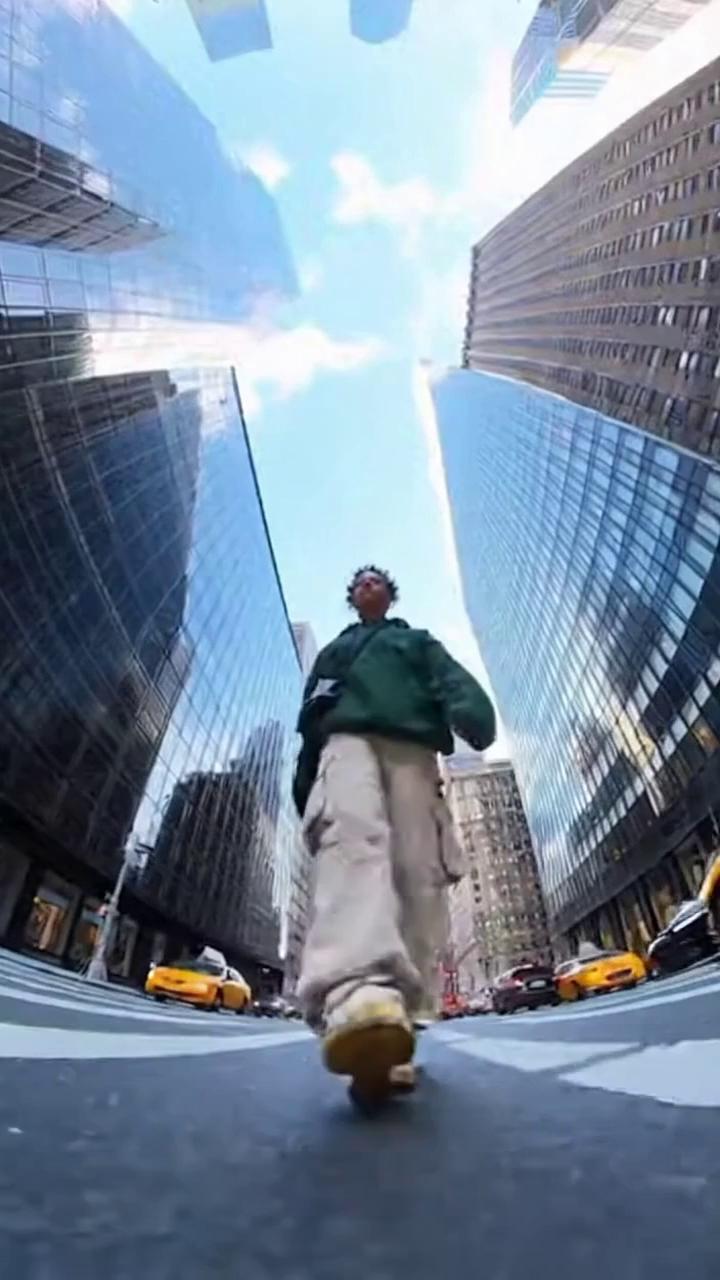
CG City Tour Video Generator is a focused Image2.to workspace for animating cinematic routes through stylized city scenes. It keeps AI Video Generator as the video engine, while the examples and prompts focus on neon streets, isometric blocks, miniature cities, camera paths, atmosphere, and travel-preview motion. Use the CG City Tour Video workflow after you have a clear city keyframe or a precise route idea.
Method 1: Generate a Video from Prompt
Use the Apply Prompt button when you want the example card to write the starting prompt for your CG city tour video. Then add your own photo and generate the final video.
Step 1: Apply Prompt
Pick a close example card and click Apply Prompt. Image2.to writes that CG city tour video prompt into the input area so you can start from a proven structure.
Step 2: Upload Photo
Upload your own clear photo in the input area. Keep the example prompt, then replace the subject and scene details that should match your CG city-tour motion.
Step 3: Generate
Click Generate Video in the input area to create a CG city tour video. Review the clip, then simplify the motion prompt if the CG city-tour motion feels too busy.
Method 2: Face Swap into a Video
Use Face Swap or Face Remix when you want to keep an example card's composition and replace the face directly. This path works from the dialog instead of the main prompt box.
Step 1: Open Face Swap
Pick a reusable example card and click Face Swap or Face Remix. Image2.to opens the swap dialog with that CG city tour video template ready to use.
Step 2: Upload Face
Upload one clear face image inside the dialog. Use a front-facing, well-lit photo so the CG city-tour motion template has a clean identity reference.
Step 3: Swap
Click the Face Swap button in the dialog to create the CG city tour video. The template keeps the clip structure while your uploaded face guides the subject.
CG City Tour Video Generator Key Features
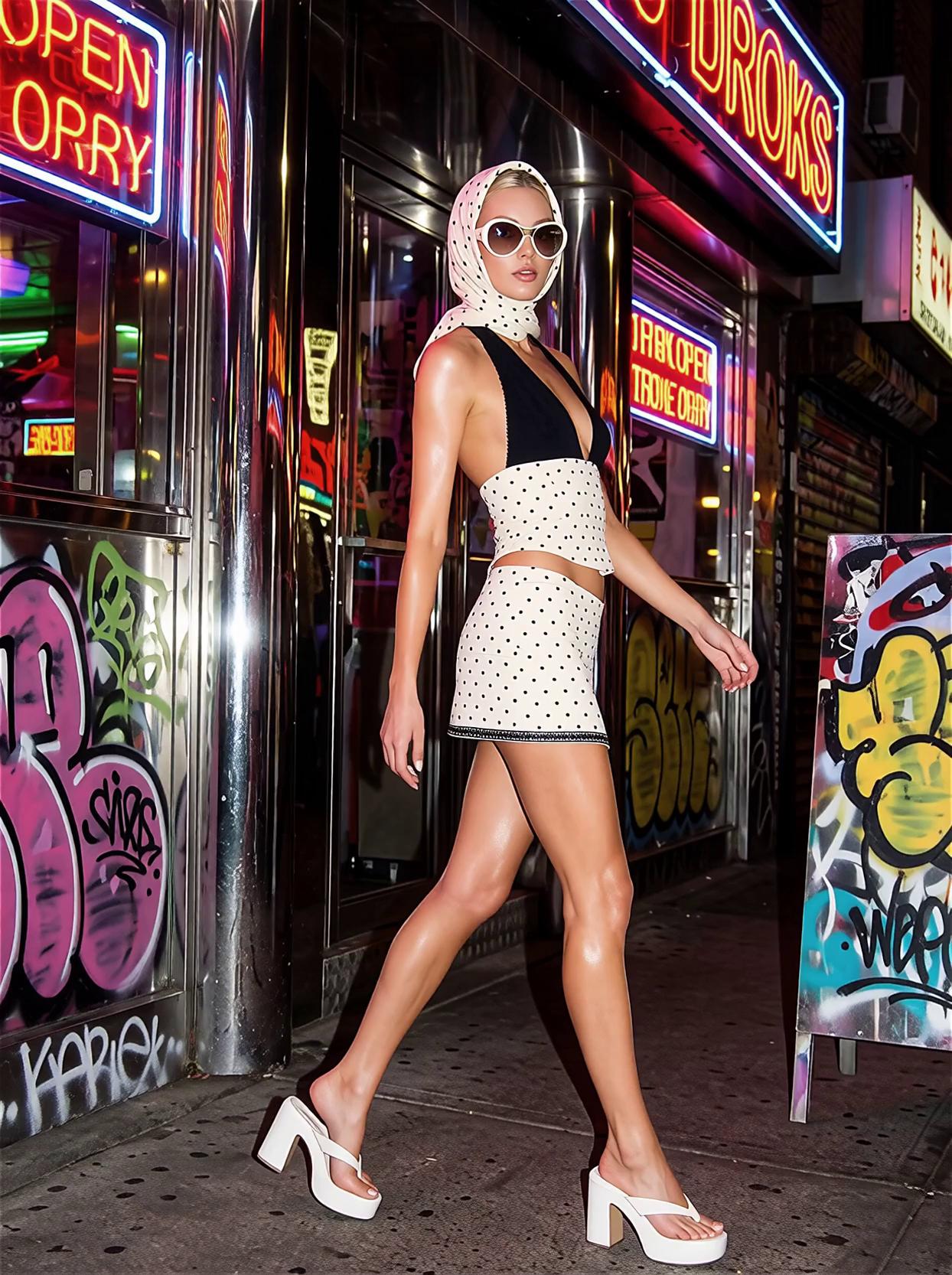
This focused page keeps Image2.to controls close while narrowing examples and copy around neon Tokyo streets, low-angle city walks, futuristic rooftops, wet sidewalks, colorful bokeh, simulation-style overlays, and animated urban detail.
Focused CG city tour entry point
Start from a specific creative job instead of a broad model page. The workspace, examples, and guidance all point toward the same result type.
Strictly related example cards
The example area favors close matches and avoids unrelated samples. Fewer cards are acceptable when the page needs a cleaner creative signal.
Reusable workspace controls
Model settings, prompt editing, projects, and credits stay in the normal Image2.to flow, so the long-tail page still feels like part of the product.
Built for iteration
A strong this result type often takes a few passes. Save the useful structure, adjust the details, and compare each draft against the same scene goal.
Why Choose Image2.to for a cg city tour video?
- Urban motion: Use Image2.to for a cg city tour video when you want stylized urban motion built from a clear city keyframe and camera route.
- City cues: Keep AI Video Generator controls familiar while narrowing examples toward neon streets, miniature city blocks, low-angle walks, rooftop views, wet sidewalks, and animated travel atmosphere.
- Cleaner concepts: Test cg city tour video ideas without mixing in unrelated character clips or generic skyline footage.
- Keyframe first: For the cleanest result, create the city-tour first frame on the paired CG City Tour Photo page before animating it here.
CG City Tour Video Generator FAQ
Answers to common questions about creating a this focused video workflow on Image2.to.